
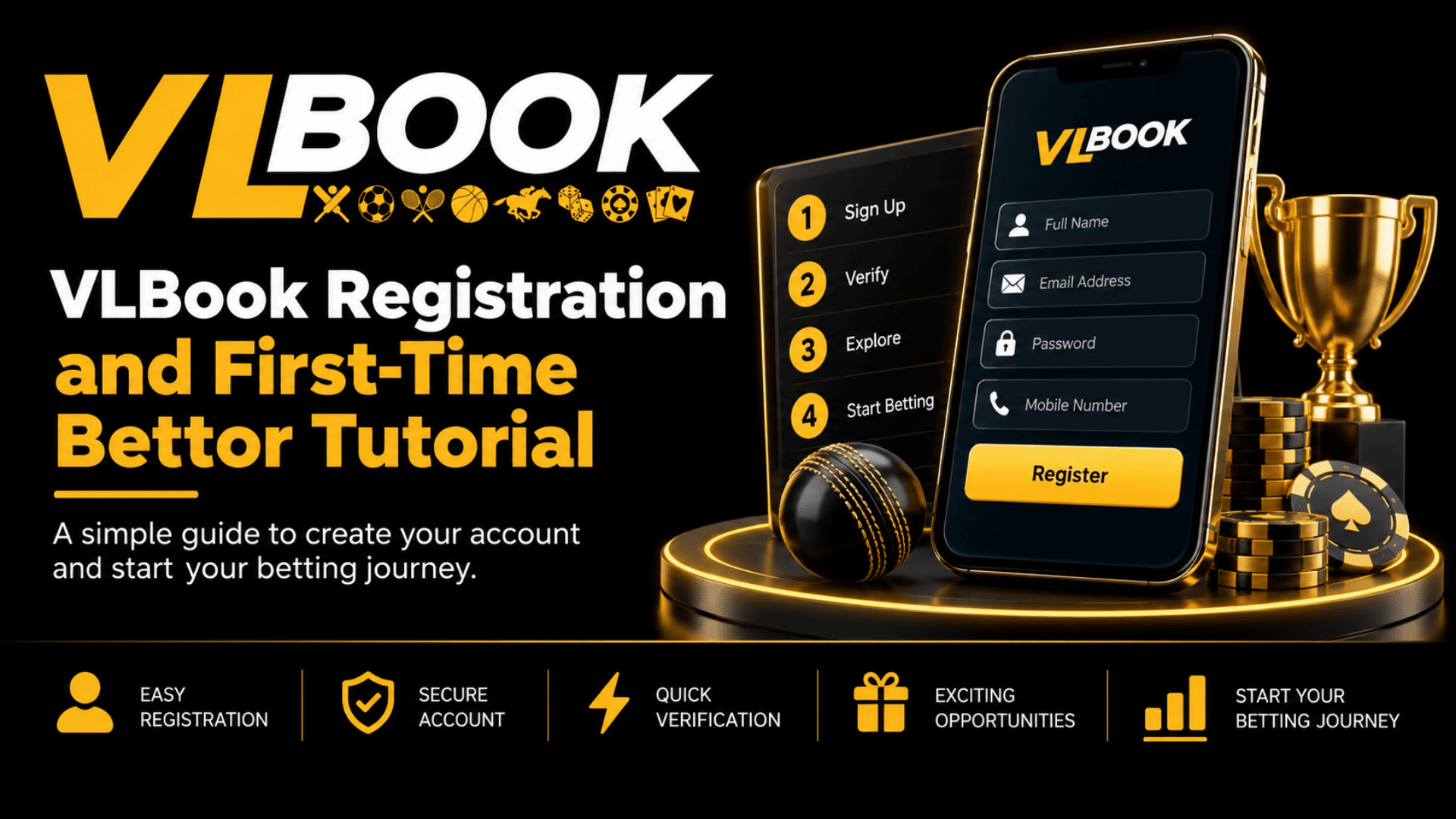
I didn’t think signing up for a betting account would need a tutorial. Honestly. I figured you just punch in your name, add some money, and you’re good.
Then I watched my cousin try to do his First-time VLBook register on his phone while we were waiting for chai. He got stuck on the OTP, then on the PAN verification, and then he called me like I’d done this a hundred times. I hadn’t. But that’s how most of us start, right? A little confused, a little skeptical.
So if you’re sitting there googling how this whole thing works, this is for you. No corporate speak. Just what actually happens.
First-time VLBook register—What it really looks like when you start
Look, the first 30 seconds are the easiest part. You go to the official VLBook site—please double-check the URL, there are way too many copycat sites floating around—and you’ll see that bright “Register” button in the top right. Can’t miss it.
Click it.
It asks for the basics. Mobile number. That’s your ID for everything later, so use the number you actually have access to. Not your second SIM that lives in a drawer. You’ll get an OTP, usually within 10-15 seconds. If it doesn’t come, don’t smash the resend button 5 times. Wait a minute. It will come.
After OTP, it wants a username and password. My advice? Don’t get fancy. Pick something you’ll remember at 11 PM when there’s a match on and you just want to log in fast. Password needs to be strong enough, yeah, but write it down somewhere if you have to.
And here’s where a lot of people get tripped up—referral code. If you have one, put it. If you don’t, leave it blank. Don’t go hunting for random codes on Telegram.
That first step? That’s your entry point for the first-time VLBook register journey. And if you’re the kind who likes to read the official walkthrough as you go, this is where our detailed VLBook new user guide comes in handy – it breaks down each field with screenshots, so you don’t have to guess.
That’s it. You’re in. You have an account. But not a usable account yet.
The part no one tells you about—verification
This is the boring but important bit. VLBook will ask you to complete KYC. I know, everyone hates that word.
Why they do it is simple though. When you win and want to withdraw, they need to know it’s actually you. Otherwise anyone could pull your money out.
So they’ll ask for:
1. Basic profile: Your full name as per your PAN card. Not your nickname. Not what your friends call you. Your actual name.
2. PAN details: For Indian users, this is pretty much standard now. Enter it correctly. One letter off and it’ll bounce back later when you try to withdraw. I learned that the hard way on a different app years ago.
3. Bank or UPI: Link what you want your withdrawals to go to. UPI is fastest, honestly. If you add a bank account, double-check IFSC.
It takes like, what, 5-7 minutes? The system verifies it pretty quick. Sometimes instantly, sometimes a few hours if there’s a rush. Don’t panic.
Think of this whole thing as your real onboarding tutorial. It’s not just form-filling; it’s setting up your safety net.
Wait, should I use the website or the app?
Okay, personal take. I started on mobile browser. It works fine. But after two days I switched to the app and never went back. It’s just smoother. Odds update quicker, login stays, and you get notifications for your bets—which you actually want.
If you haven’t yet, there’s a proper step-by-step app download tutorial in the middle section of their help page. Don’t download the APK from some random YouTube link description. Seriously. Go from the official site only. It’ll guide you to allow install from unknown sources if you’re on Android, which sounds scary but it’s normal for betting apps since they’re not on Play Store.
On iPhone? It’s a bit different, usually a PWA setup. Takes 20 seconds.
Once the app is in, log in with the same number you used for your First-time VLBook register. It should remember you.
Your First Deposit—Don’t Overthink It
This is where new bettors get nervous. I get it. Putting real money into a new app for the first time feels weird.
VLBook has UPI, Netbanking, and sometimes Paytm wallet. UPI is what 90% of us use. Minimum deposit is pretty low—around 100-200 INR depending on when you’re reading this. You don’t need to drop 5000 on day one to “test” it.
Here’s my little ritual that I tell all my friends:
Deposit a small amount first. Like 300 rupees. Just to see how fast it reflects. Usually it’s instant. Sometimes 2-3 minutes. Once you see that balance update, you’ll feel way more confident.
And set a limit in your head before you deposit. Not what the app tells you. What YOU can afford to lose this week without stressing. That’s it. That’s the rule that keeps this fun.
The second you deposit, that First-time VLBook register account changes from “just an account” to “okay, I can actually place something now.”
Placing Your First Bet—Let’s Make It Less Scary
Open the app. You’ll see a wall of matches. IPL, football, tennis, even elections sometimes. Don’t get overwhelmed.
For your first bet, pick a sport you actually watch. If you watch cricket, bet cricket. Not some random Estonian basketball league just because the odds look juicy.
Let’s say it’s a cricket match.
Step 1: Tap on the match. You’ll see markets—Match Winner, Toss Winner, Top Batsman, Over/Under, etc.
Step 2: For a beginner, stick to Match Winner. It’s simple. Who wins.
Step 3: Tap the odds. Let’s say MI is at 1.85. Tap it. Your bet slip will pop up at the bottom.
Step 4: Enter your stake. Start with 50 or 100. The slip will show you your potential return. So 100 at 1.85 = 185 back if you win.
Step 5: Hit Place Bet. That’s it.
You’ll see it in “My Bets” section. Live. You can watch the odds change, the anxiety kick in. It’s part of the fun.
This whole flow is exactly what we cover in depth in our VLBook new user guide for first-timers—with real bet slip examples, not just theory.
A quick word though. Don’t do in-play betting for your first 2-3 bets. The odds move fast and it’s easy to get carried away. Get comfortable with the pre-match first.
Things I Wish Someone Told Me During My Onboarding tutorial
A few things that no FAQ tells you clearly:
1. Bonuses aren’t free money. VLBook gives a welcome bonus sometimes. Read the rollover. If it says 10x rollover, you have to bet 10 times the bonus amount before you can withdraw it. Not impossible, but don’t count it as cash.
2. Withdrawal is where trust is built. Your first withdrawal will take a bit longer than the rest. That’s normal. They do extra checks. After that first one, UPI withdrawals are usually super quick, like under an hour.
3. Don’t bet angry or drunk. Sounds obvious. But at 1 AM after your team loses a last-over thriller, you’ll want to “recover” money. Don’t. Close the app. Come back tomorrow.
4. Customer support actually replies. There’s live chat inside. I pinged them at 11:30 PM once about a settled bet and got a reply in 4 minutes. Use it. Don’t sit and worry.
5. Keep your login private. Don’t log in on a friend’s phone and forget to log out. Your number is your wallet here.
A Real Checklist for Your First Day
If I had to make my own Onboarding tutorial checklist for a friend, it would be this:
– Morning: Do the First-time VLBook register with your main number.
– Right after: Finish KYC, link UPI
– Afternoon: Download the app from the official site only.
– Evening: Deposit 200-300 to test
– Night: Place ONE small pre-match bet on a team you know.
– Next morning: Try withdrawing 100 just to see the process.
That’s it. You don’t need to become a pro on day one. The whole idea of a good first-time setup is to make day two effortless.
And yeah, you’ll make mistakes. I placed my first bet on the wrong team once because I tapped too fast. Lost 150 bucks. Laughed about it. It’s part of learning.
Wrapping it up, but not in that boring “in conclusion” way
Look, betting platforms come and go, but the first 30 minutes decide if you’ll actually stick with one. VLBook makes that First-time VLBook register part pretty painless if you just follow the steps and don’t try to skip verification.
If you’re still on the fence about app vs website, just try both. For most of us in India juggling data and battery, the app wins. Our complete walkthrough for the download app tutorial is linked at the end of this guide with the direct official source, so you don’t land on a fake.
Once you’re in, verified, and have placed that first small bet, everything else starts making sense. Odds, markets, live bets—it stops looking like rocket science.
Start small. Stay curious. And keep that first deposit sensible.
You got this.
FAQs
1. How long does First-time VLBook register take?
Honestly, 2-3 minutes for the basic sign-up. KYC can take another 5 minutes to fill, and verification can be instant to a few hours. So in under 15 minutes you are usually fully ready.
2. What documents do I need for VLBook verification?
PAN card is mandatory for Indian users, plus your mobile number OTP. For withdrawals, you’ll need a UPI ID or bank account in the same name as your PAN. That’s it. No selfies are needed most of the time unless something mismatches.
3. Can I do First-time VLBook register without PAN?
You can create the account without it, but you can’t withdraw winnings without PAN verification. So you’ll eventually need it. Better to do it on day one and get it over with.
4. Is there a minimum deposit after First-time VLBook register?
Yes mostly 100 to 200 INR. The price is modified during promo seasons, but it is intentionally kept low so that new users can try the platform without spending a lot of money.
5. I didn’t get OTP during First-time VLBook register. What now?
Wait 60 seconds, check if your inbox is full or if DND is blocking promotional messages. Try resend once. If still nothing, switch from SMS to WhatsApp OTP if the option shows, or contact live chat. 99% times it’s just network delay.
6. Is the VLBook app safe to download?
Yes, if you download from the official VLBook website only. It’s not on Google Play Store due to Play Store policies on betting apps, so you’ll download an APK on Android. That’s normal. Never download it from Telegram channels or random blogs sharing APK files.